AndyBot is an advanced AI-powered Discord bot featuring OpenAI's GPT-3 and GPT-4 models for dynamic and
intelligent responses. With an array of customizable settings and the ability to create and see user-uploaded
images, it offers interactions in any language.
For further details, please join my Discord server or contact me on
any of my socials below.
To interact with AndyBot, simply tag it anywhere in your message (or if you're in DMs, simply sending a message
will
suffice) or use any of its build-in slash commands. Feel free to join my Discord server to interact with
AndyBot!
The following is a list of all of AndyBot's commands. The ones marked with a 🔓 require special permissions to
use them and the ones marked with a 🔒 are only available to admins.
> /help - Shows this message
> /ping - Pong! (shows the bot's latency)
> /imagine [prompt] 🔓 - Generates an image based on the prompt
> /clear-history - Clears the history of messages sent to the bot in the
current server/DM
> /clear-global-history 🔒 - Clears the history of all messages sent to the
bot
> /history 🔒 - Shows the history of messages sent to the bot in this
server
> /global-history 🔒 - Shows the history of messages sent to the bot
> /tokens [tokens] 🔒 - Sets the amount of tokens allowed for the bot to
use
> /temp [temp] 🔒 - Sets the temperature for the bot to use
> /lock-imagine [value] 🔒 - Unlocks the imagine command so anyone can use
it
> /model [model] 🔒 - Sets the model for the bot to use
> /joinvc - Joins the voice channel you're in
> /play [youtube link] - Plays the audio from the YouTube video
> /leavevc - Leaves the voice channel
 Prompt: "AMG C63 speeding down the freeway at sunset"
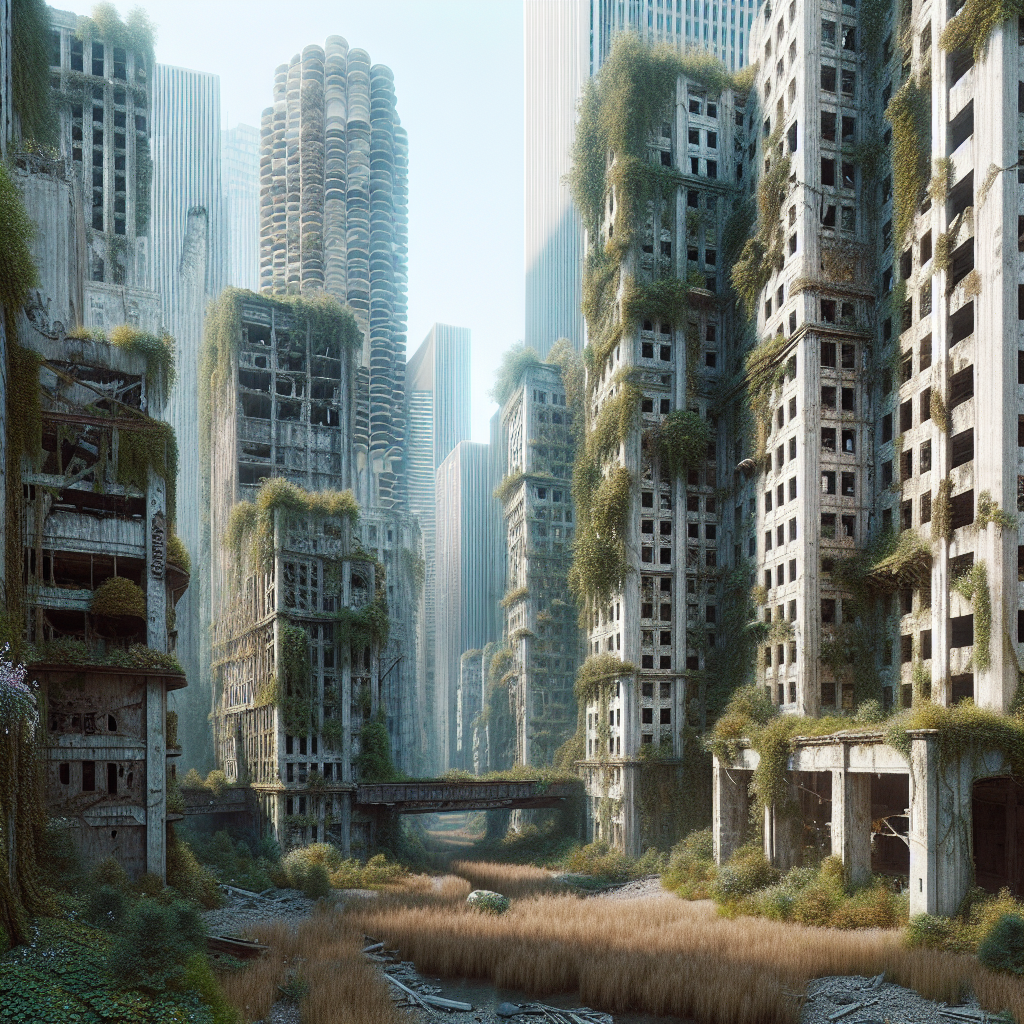 Prompt: "Several hundreds of years into the future, an abandoned
city. Buildings decaying and falling. Nature and grass is taking over the abandoned city"
Prompt: "Several hundreds of years into the future, an abandoned
city. Buildings decaying and falling. Nature and grass is taking over the abandoned city"
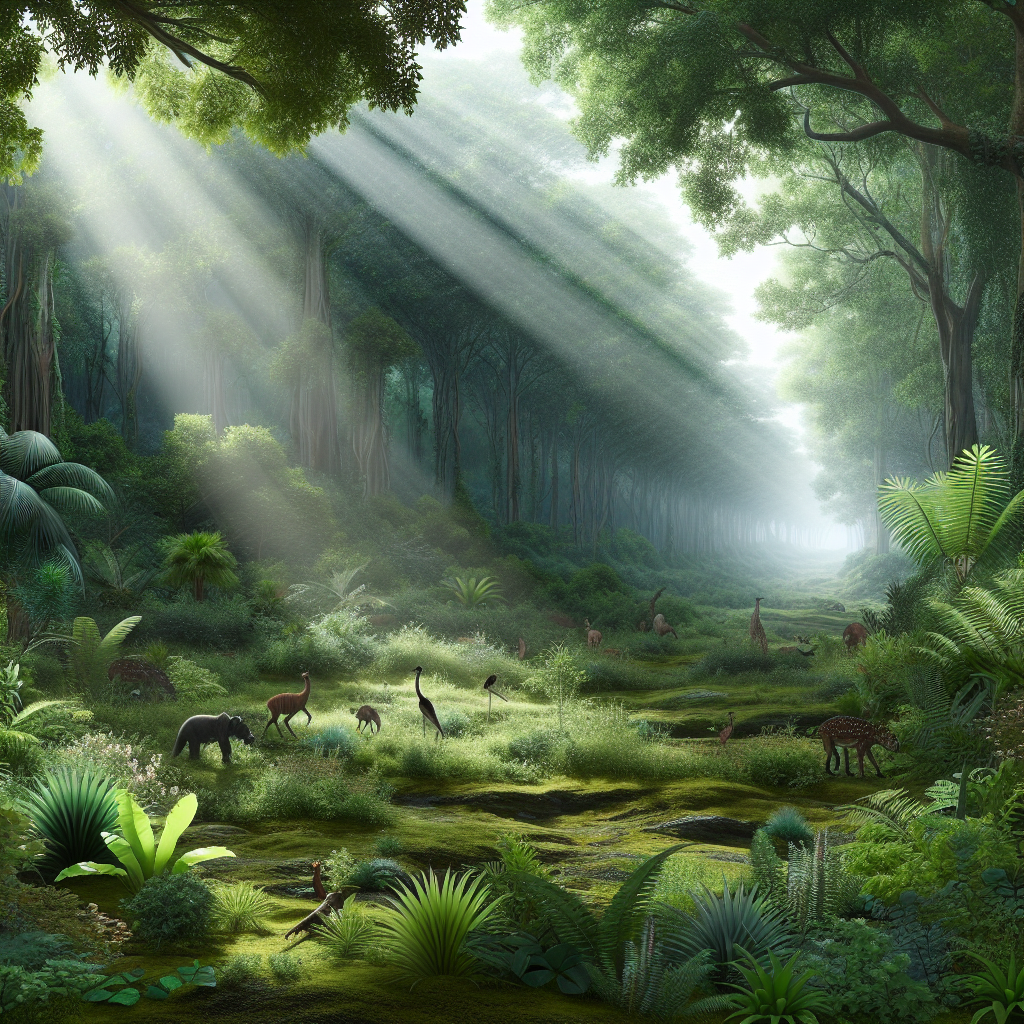 Prompt: "realistic lush forest with beautiful colors and some
fauna, god rays leaking through the leaves."
Prompt: "realistic lush forest with beautiful colors and some
fauna, god rays leaking through the leaves."
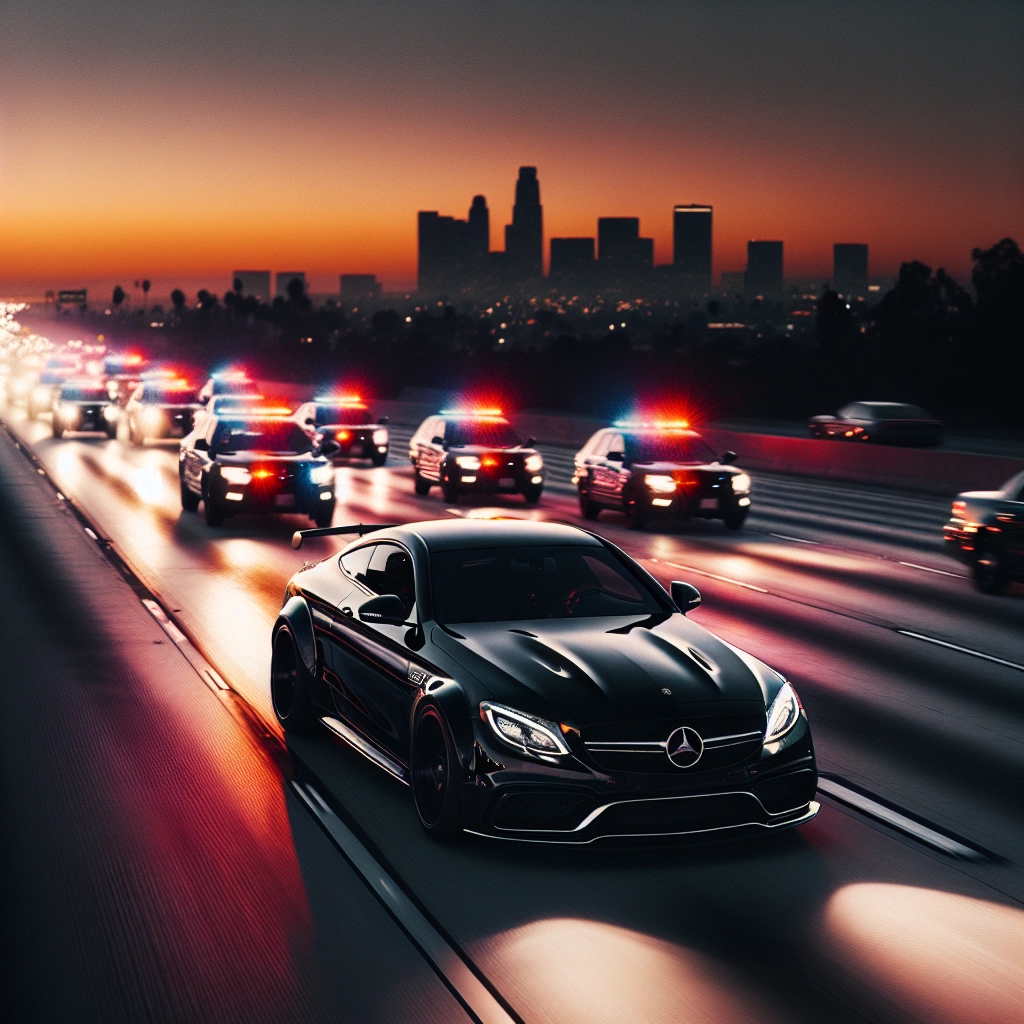 Prompt: "a black c63 speeding down a freeway at sunset (almost night time)
with few police cars chasing it half a mile back"
Prompt: "a black c63 speeding down a freeway at sunset (almost night time)
with few police cars chasing it half a mile back"
 Github: lancito01
 Discord: @lancito01
 Twitter: @lancito01